

Beginner’s HiBT 2FA Setup Guide – Secure Your Digital Assets
With cryptocurrency scams costing users billions every year, it’s crucial to protect your digital assets using advanced security features. Two-factor authentication (2FA) is one of the strongest defenses against hacking attempts. In this guide, we will discuss the HiBT 2FA setup process for beginners, ensuring the security of your investments.
Understanding 2FA: Why It Matters
Two-factor authentication adds an extra layer of security by requiring not just a password but also a second piece of information that only you should have. This could be a code sent to your phone or generated by an app. According to Chainalysis, over 4.1 billion dollars were lost to DeFi hacks in recent years, making 2FA more important than ever.
What is HiBT?
HiBT is a leading cryptocurrency exchange platform known for its strong security protocols and user-friendly interface. It offers a range of services, including the ability to trade multiple cryptocurrencies and keep your assets secure with features like 2FA. Here’s how you can set up HiBT 2FA:
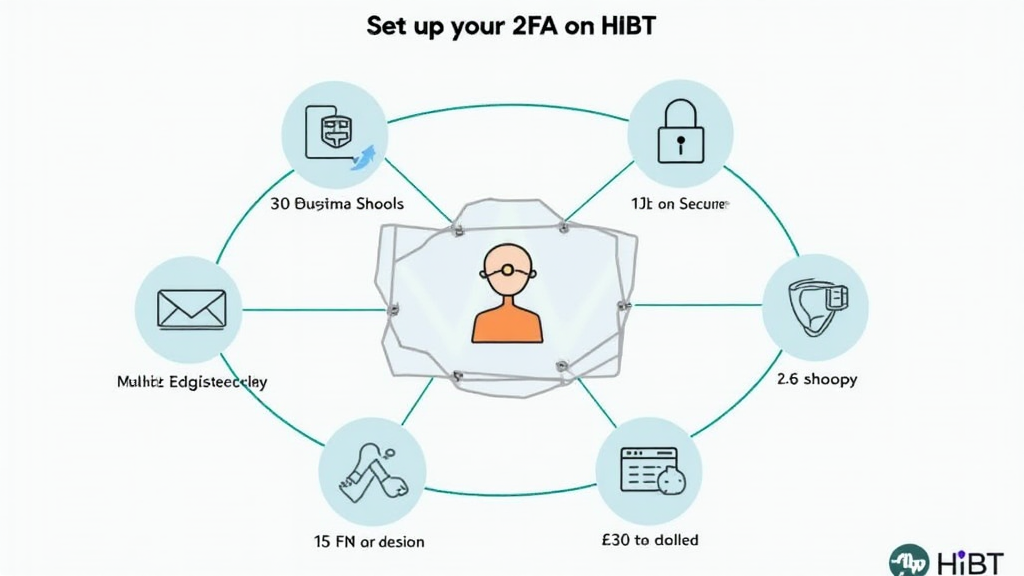
Step-by-Step HiBT 2FA Setup
Step 1: Create Your HiBT Account
- Visit the HiBT website and sign up for an account.
- Verify your email address through a confirmation email.
At this point, your account is set up, but it’s still vulnerable to unauthorized access without 2FA.
Step 2: Navigating to Security Settings
- Log in to your HiBT account.
- Click on your profile icon and navigate to ‘Security Settings’.
This is where you can enable 2FA to safeguard your account.
Step 3: Choosing Your 2FA Method
- You can enable 2FA via SMS or an authenticator app.
- We highly recommend using an authenticator app like Google Authenticator or Authy for improved security.
Remember, SMS codes can be intercepted; hence, an authenticator app is safer.
Step 4: Enabling 2FA
- Select the ‘Enable 2FA’ option.
- Scan the QR code displayed on the HiBT website using your authenticator app, or enter the code manually.
Once done, you will receive a verification code on your app. Input this code on HiBT to verify the setup.
Step 5: Backup Your Recovery Key
- HiBT will provide a recovery key.
- Store this key securely in case you lose access to your authenticator app.
It is recommended to write it down or use a password manager.
Benefits of Using HiBT 2FA
Implementing 2FA on your HiBT account significantly enhances your security. Here are some benefits:
- Peace of Mind: Knowing that your account is protected.
- Deterrent Against Hacks: Even if someone has your password, they can’t access your account.
- Easy to Set Up: The setup process is straightforward and user-friendly.
Challenges and Common Issues with 2FA
While 2FA is a powerful tool, users sometimes face issues:
- Lost access to the authenticator app can cause complications.
- SMS services may be unreliable in certain regions.
To mitigate these issues, consider keeping a backup method and constantly updating your recovery information.
Statistics and Market Trends
According to recent studies, the Vietnam cryptocurrency market has seen a growth rate of over 250% in user adoption. This surge highlights the urgency for robust security measures for new users.
| Year | User Adoption Rate in Vietnam |
|---|---|
| 2023 | 250% |
| 2024 | 300% |
Source: cryptocurrency security. With the increasing threats in the digital space, every user should prioritize their safety protocols. Take action now and secure your investments with 2FA!
If you’re looking for more resources about security in cryptocurrency or trading strategies, make sure to explore our articles on hibt.com.
Expert Author: Dr. Alex Nguyen, PhD in Blockchain Security and author of over 15 research papers worldwide. He has led audits for various high-profile blockchain projects.